目 录
摘 要 I
Abstract II
第1章 绪论 1
1.1 研究背景 1
1.2 研究现状 1
1.3 主要工作 2
1.4 本文结构 3
第2章 开发环境简介 4
2.1 服务端开发环境简介 4
2.2 客户端开发环境简介 4
2.3 数据库简介 5
2.4 SVN简介 5
第3章 系统分析与设计 6
3.1 系统分析 6
3.2 系统设计 7
第4章 系统实现 10
4.1 Web服务端 10
4.2 Android客户端 12
第5章 系统测试 22
5.1 软件测试的目的和原则 22
5.2 测试方法 22
5.3 功能测试 22
第6章 总结与展望 24
6.1 总结 24
6.2 展望 24
致 谢 26
参考文献 27
第3章 系统分析与设计
3.1 系统分析
3.1.1 业务流程
如图3-1所示,整个系统分为三部分,分别为:Android客户端,Java服务端,MySQL数据库。用户通过Android客户端发出请求,Java服务端接收到客户端的请求后,进行相应的操作。如涉及数据操作,Java服务端则向MySQL数据库发送相应指令,对数据库的数据进行操作,并获取执行结果。最后,Java服务端将结果返回到Android客户端。

图3-1 系统业务流程图
这种业务流程的优势在于各部分之间耦合度低,便于功能的组合、修改和扩展,较为灵活。
3.1.2 功能需求
该系统共包含如下6个模块,各模块功能需求如下:
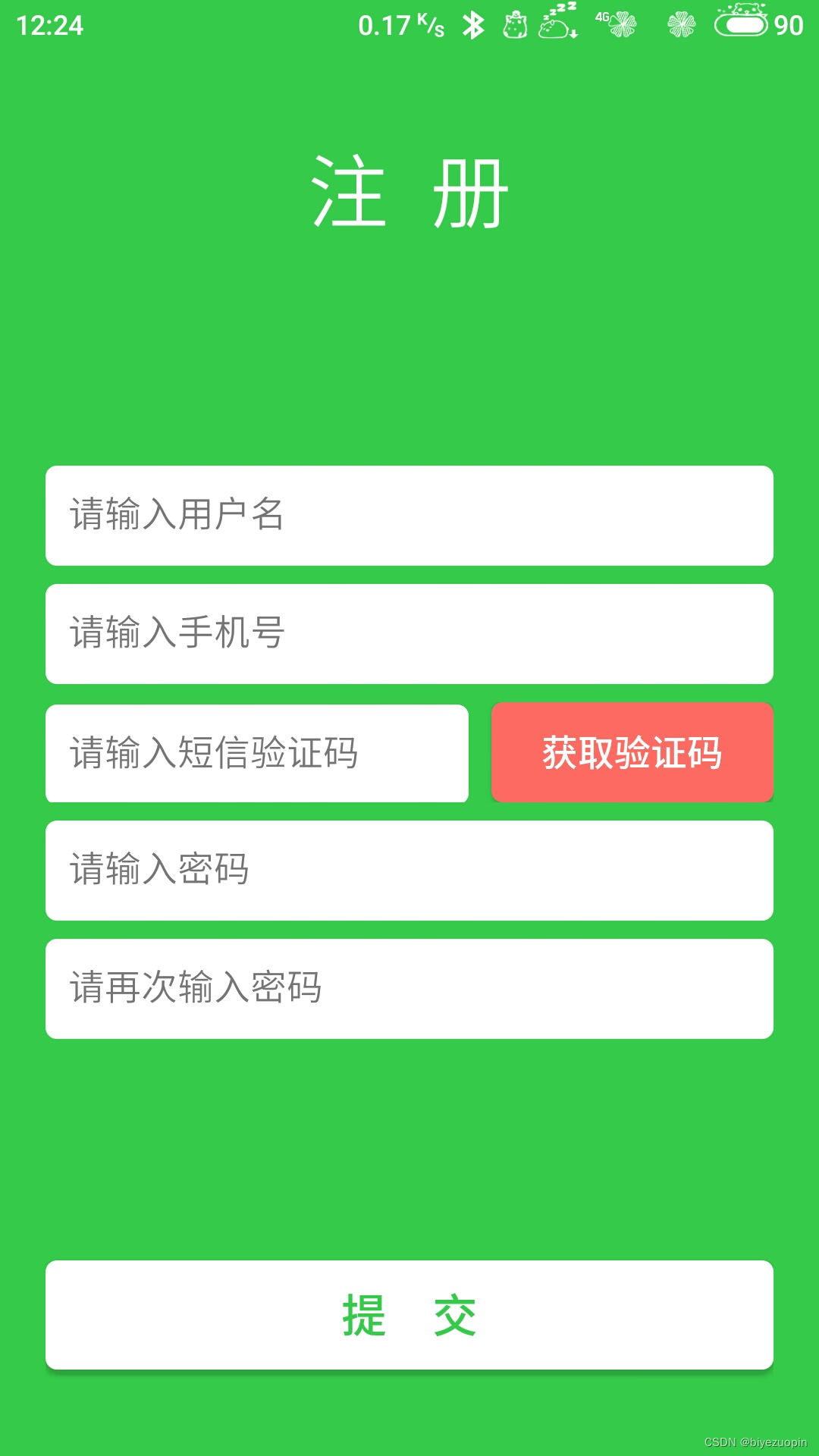
1)用户注册模块:新用户通过手机号和短信验证码注册账号;
2)用户登录模块:用户通过手机号和密码登录系统,当用户勾选“记住密码”时,保存用户的登录信息,下次可免密登入系统;
3)找回密码模块:用户通过手机号和短信验证码重置密码;
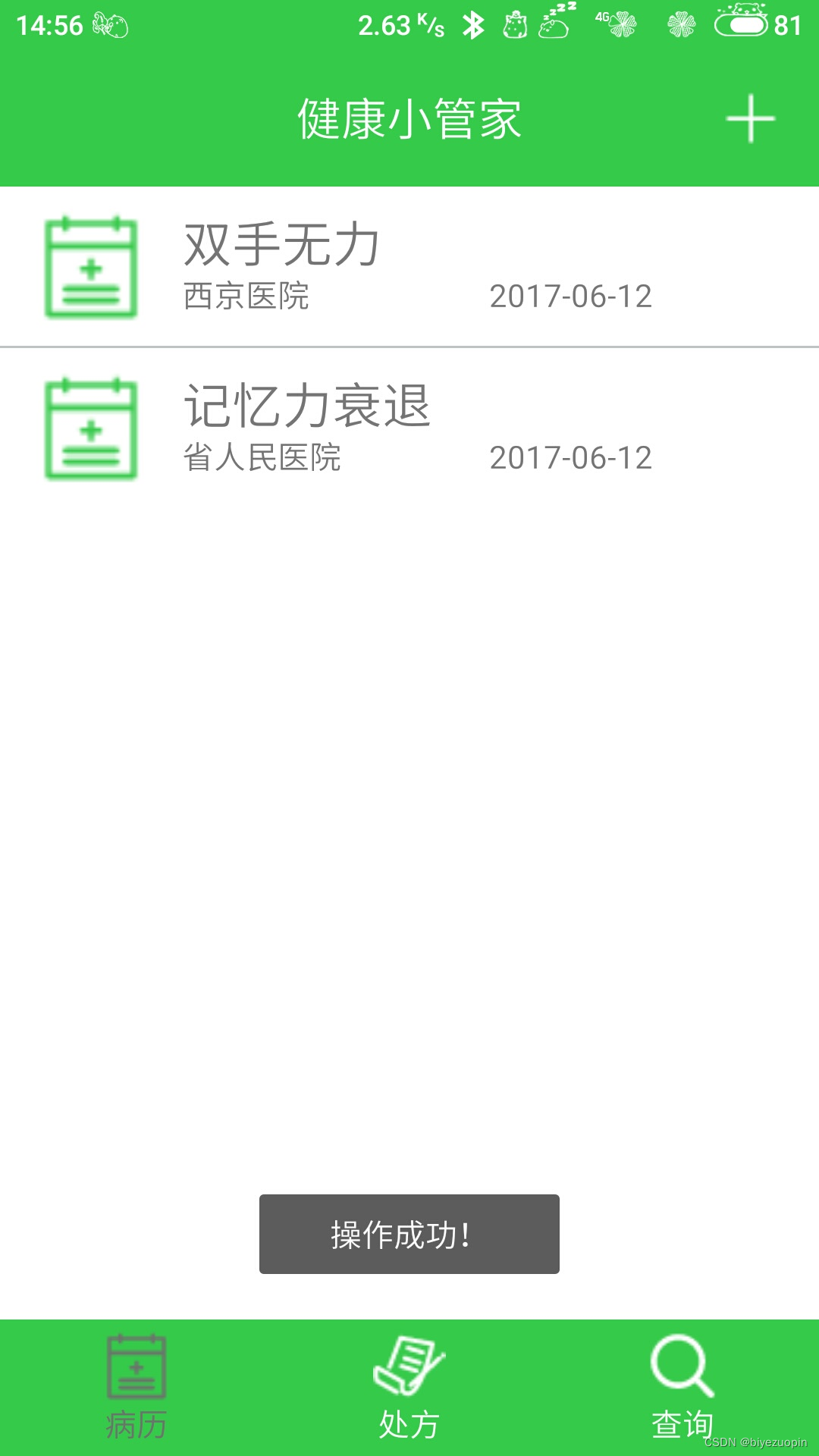
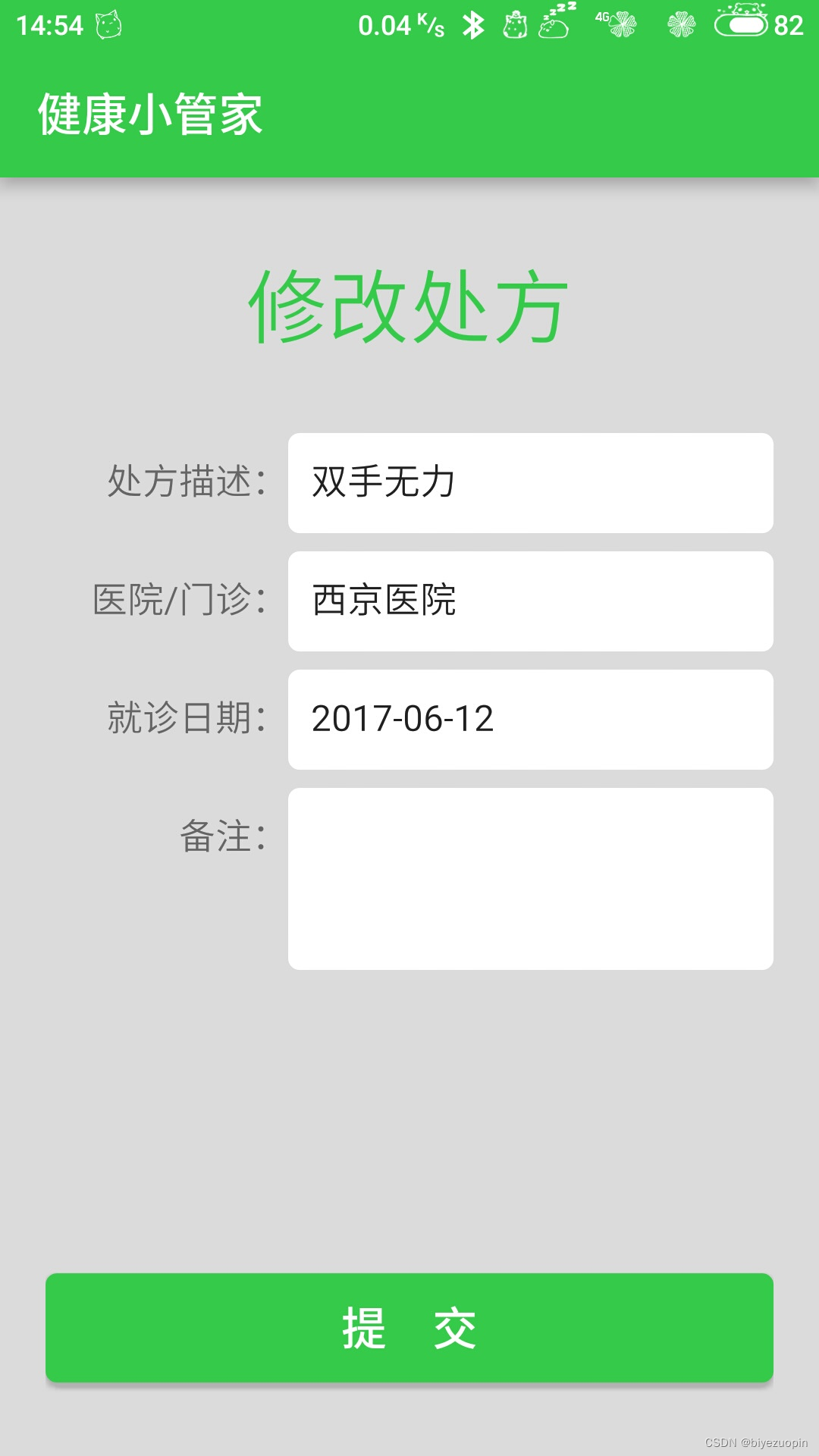
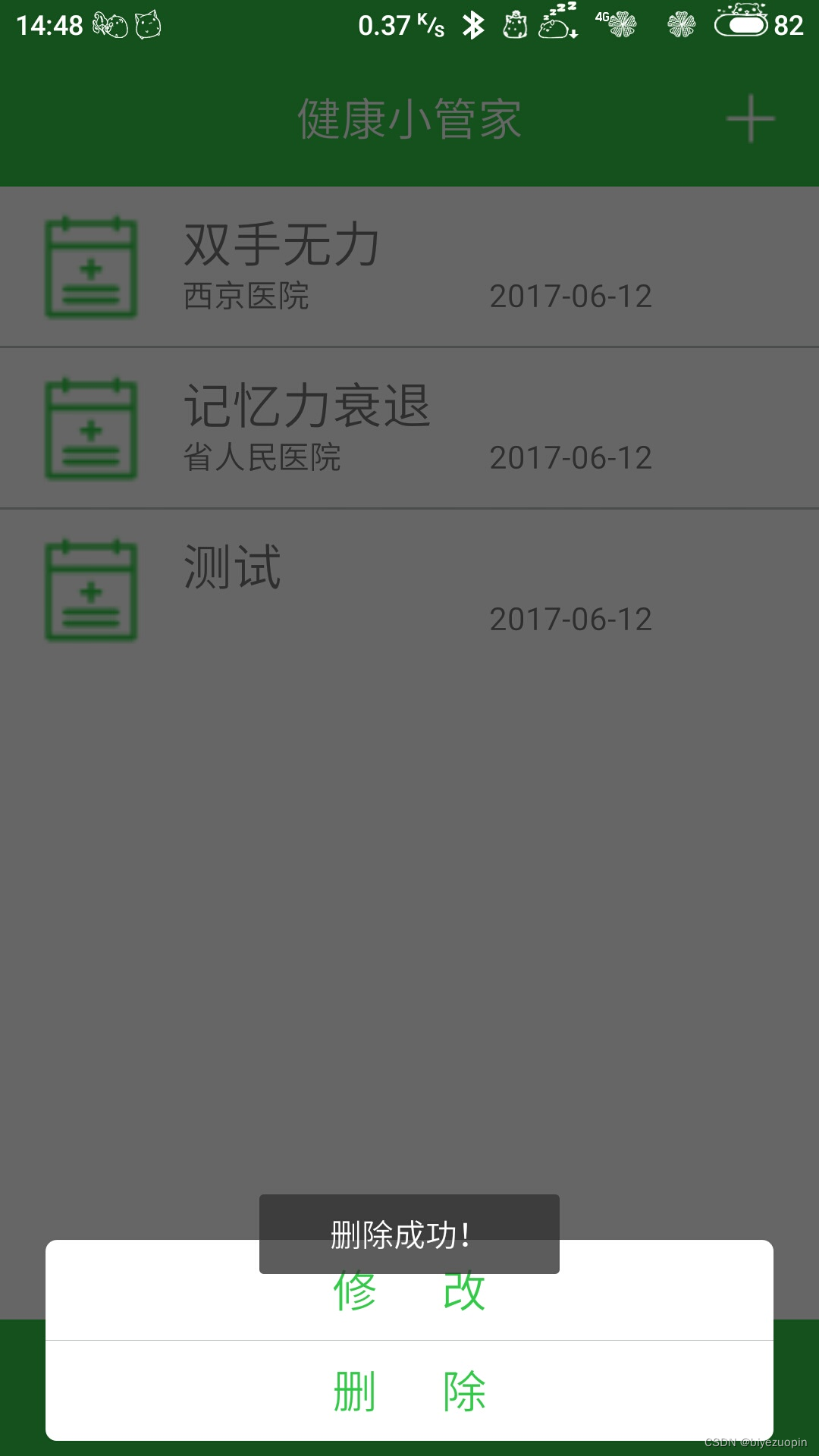
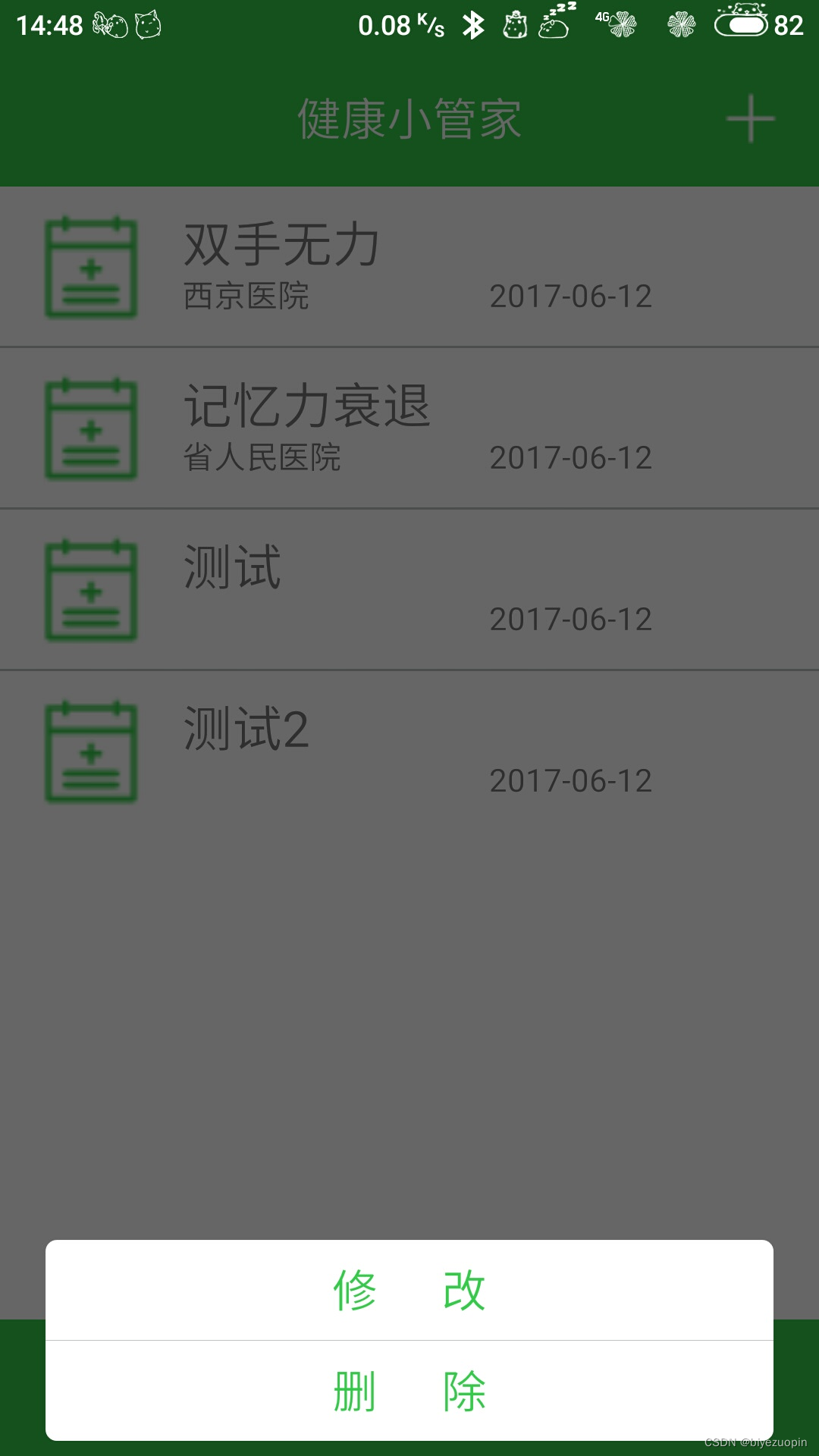
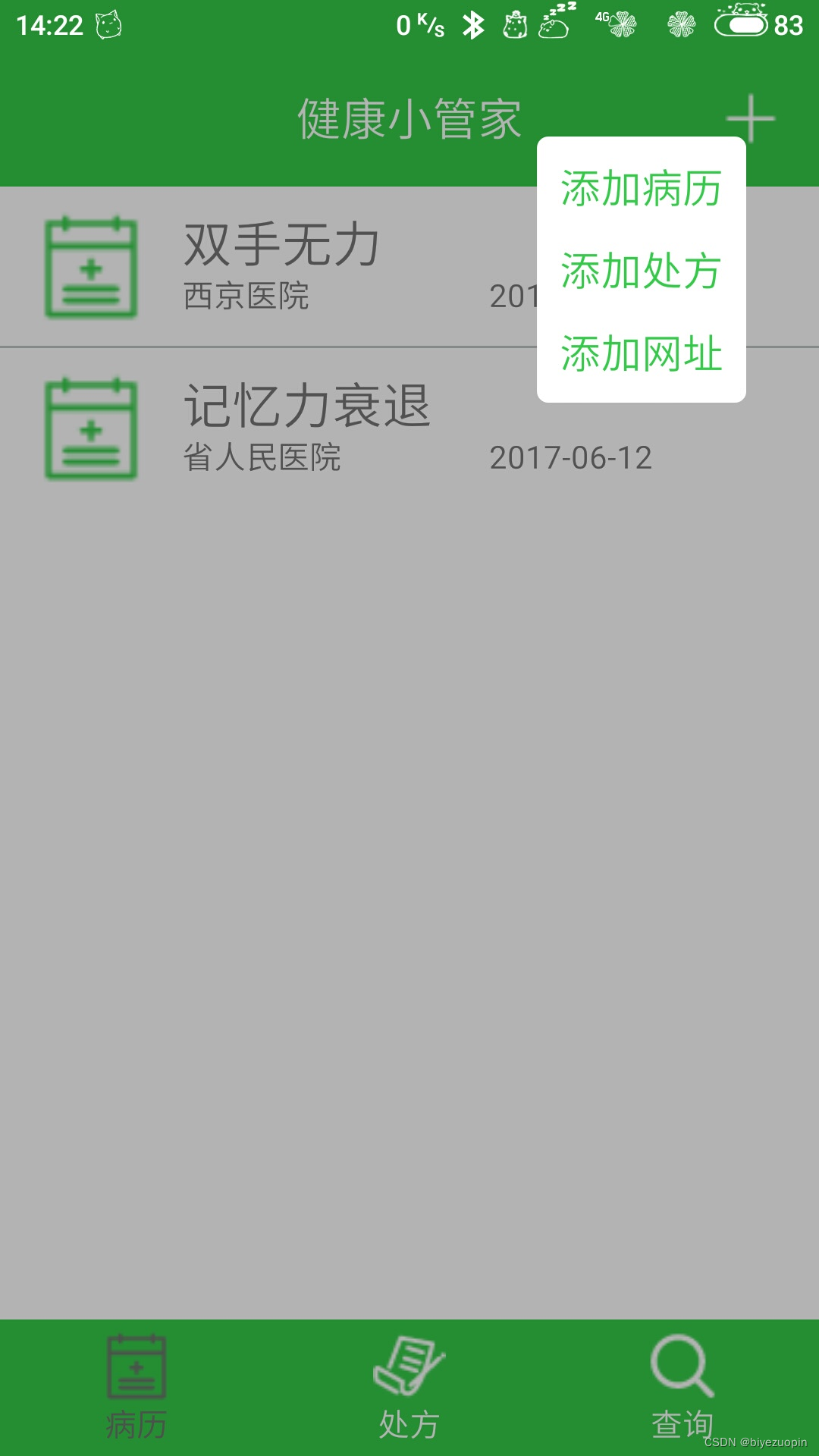
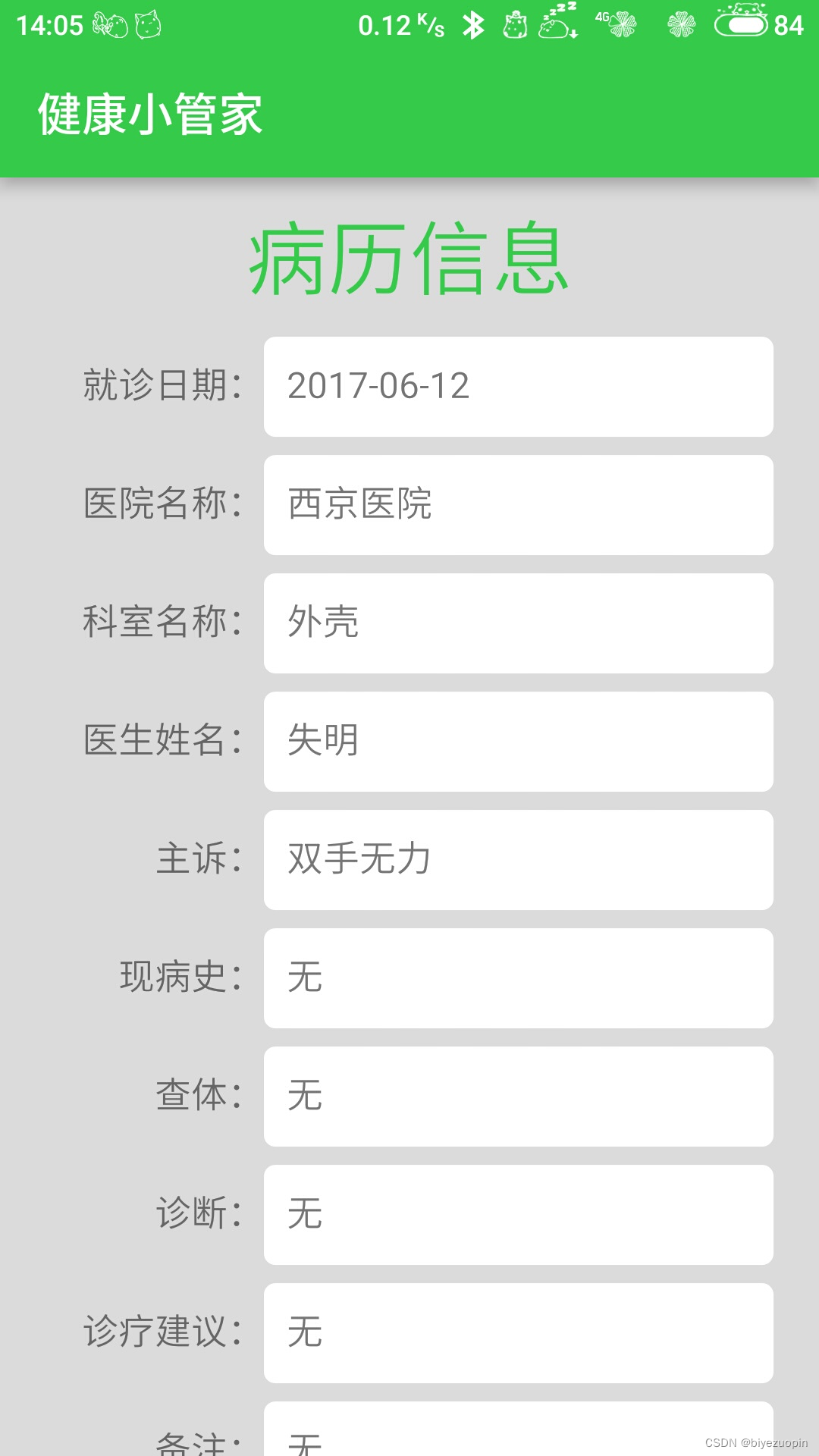
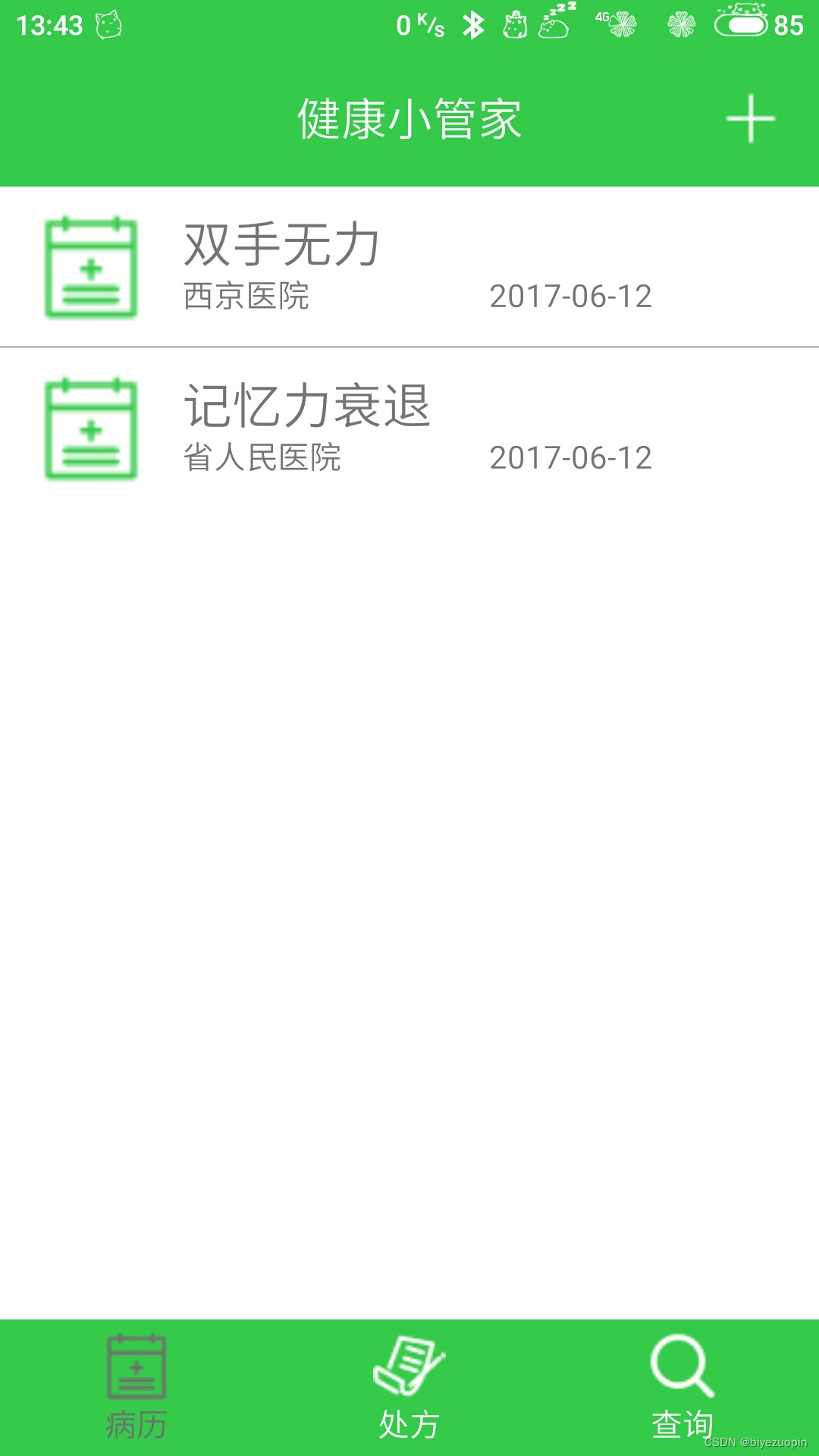
4)病历信息管理模块:用于管理用户的个人病历信息,包括病历信息的查询、增加、修改和删除;
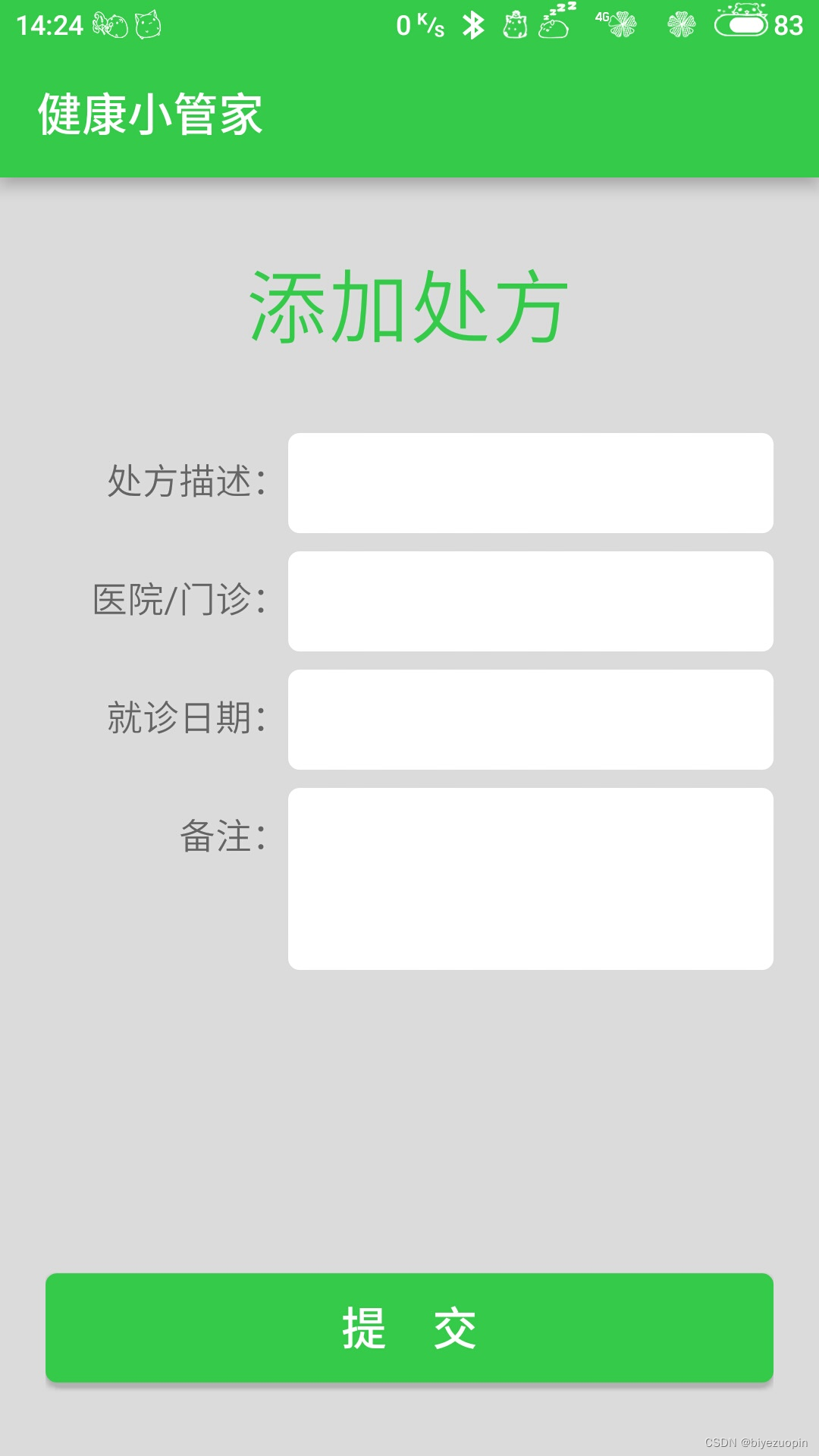
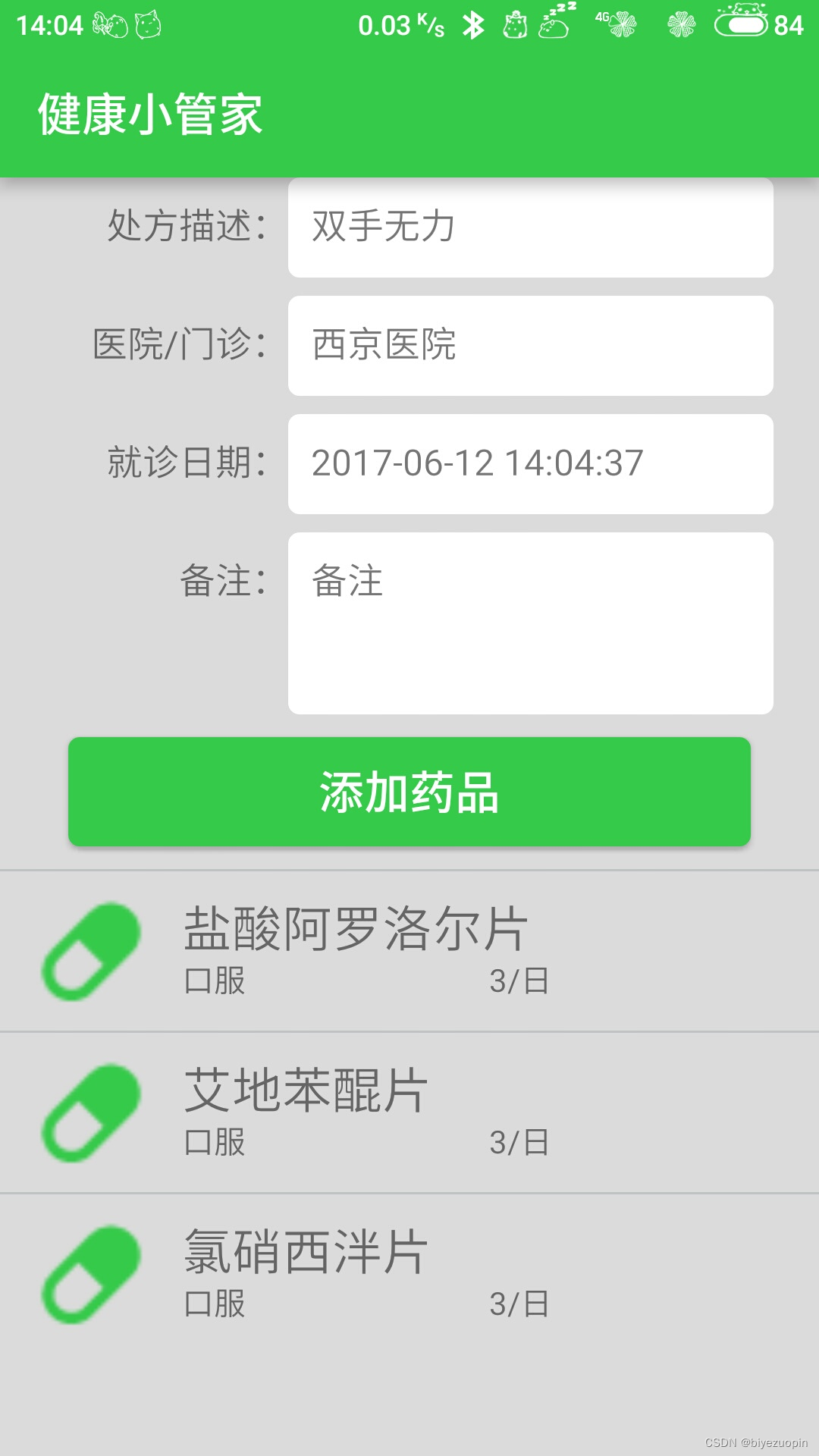
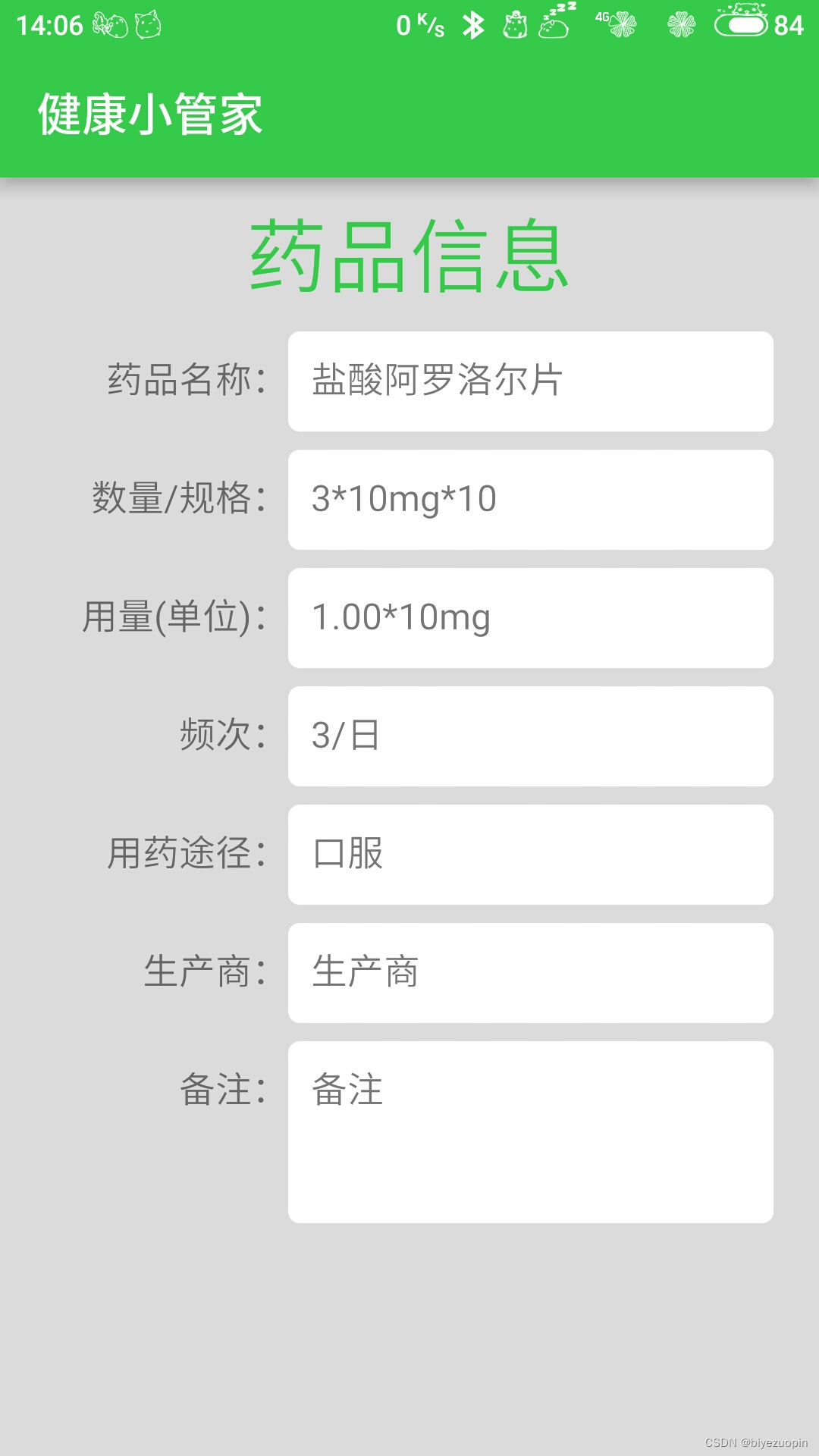
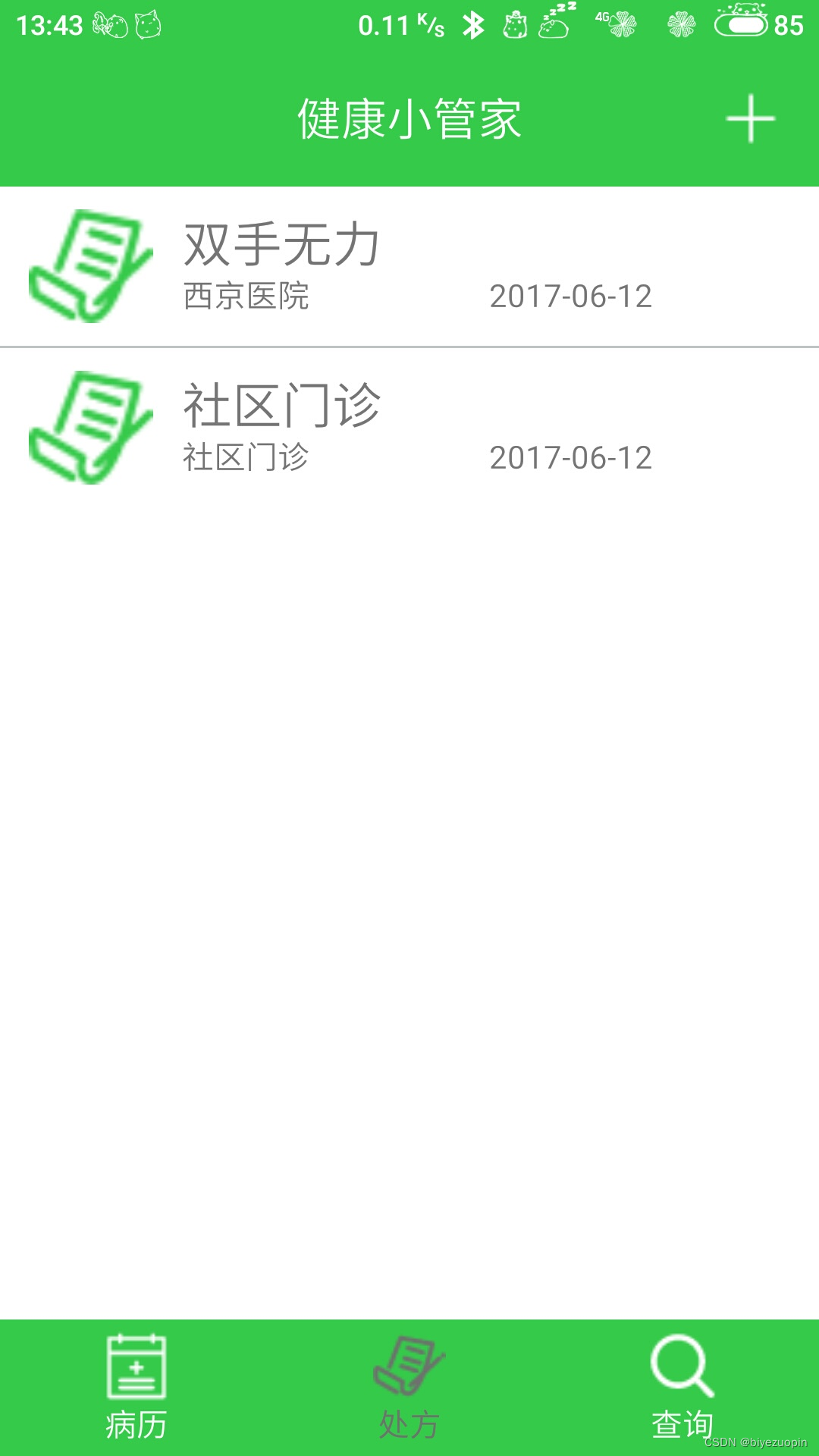
5)处方信息管理模块:用于管理用户的个人处方信息,包括处方信息的查询、增加、修改和删除;
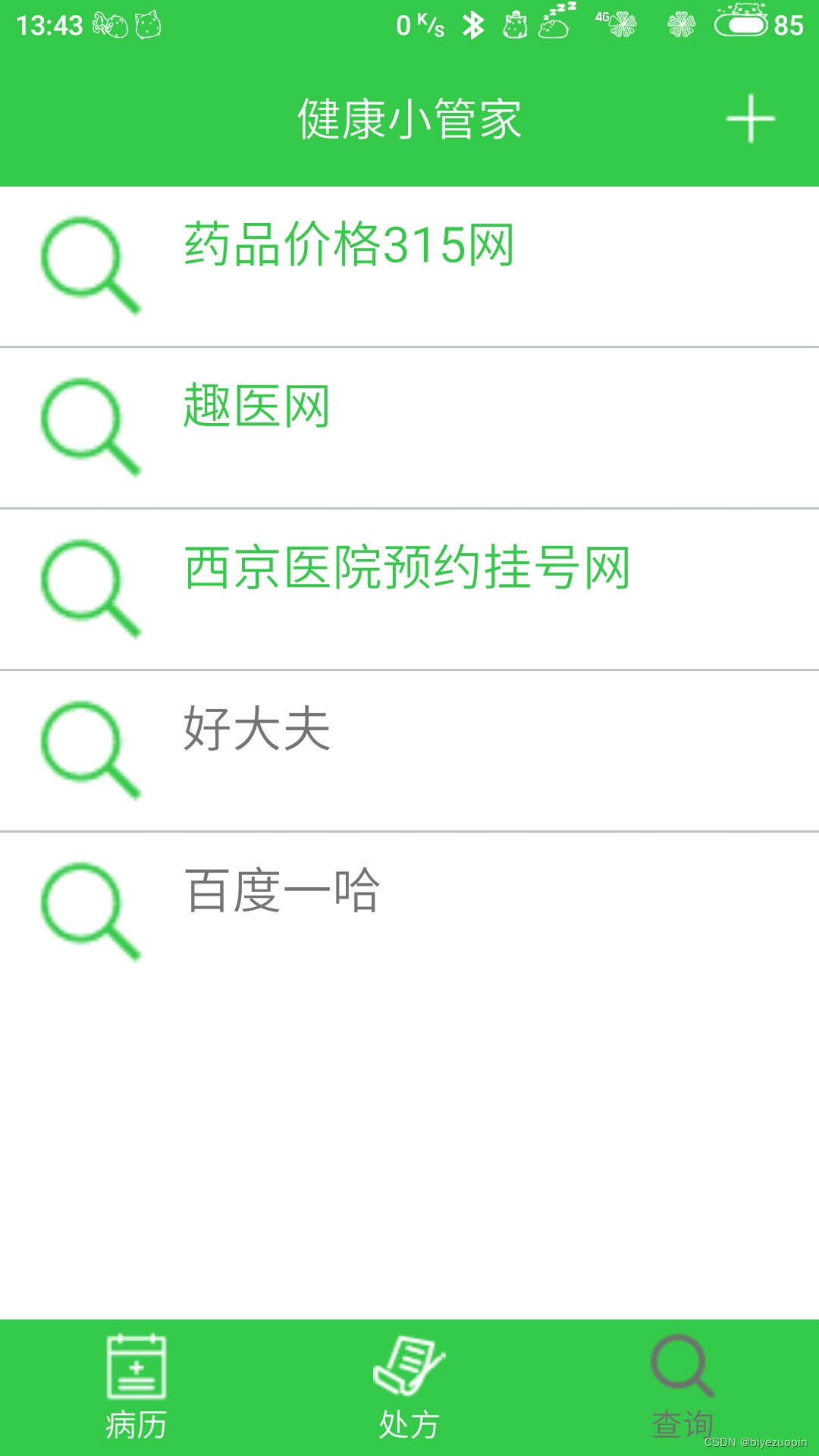
6)医疗网站管理模块:用于保存用户常用的医疗服务网站,方便用户查询各种医疗信息。
3.2 系统设计
3.2.1 系统功能框图
系统功能框图如图3-2所示。
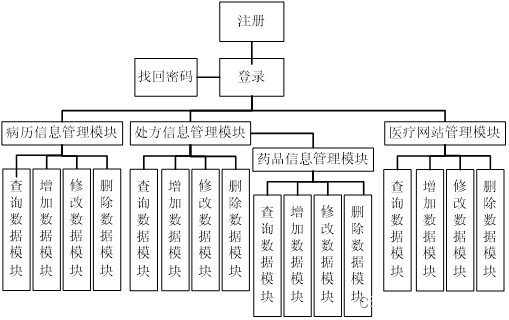
图3-2 系统功能框图
package com.rambler.healthymanager;

import android.app.ActivityGroup;
import android.content.Intent;
import android.graphics.Color;
import android.graphics.drawable.ColorDrawable;
import android.net.Uri;
import android.os.Bundle;
import android.os.StrictMode;
import android.view.Gravity;
import android.view.KeyEvent;
import android.view.LayoutInflater;
import android.view.View;
import android.view.View.OnClickListener;
import android.view.ViewGroup;
import android.view.Window;
import android.view.WindowManager;
import android.widget.ImageButton;
import android.widget.LinearLayout;
import android.widget.PopupWindow;
import android.widget.TextView;

import com.google.android.gms.appindexing.Action;
import com.google.android.gms.appindexing.AppIndex;
import com.google.android.gms.common.api.GoogleApiClient;

import Comm.CommFunction;
import Comm.SysApplication;

public class MainActivity extends ActivityGroup implements OnClickListener {

    //ActivityGroup
    private LinearLayout bodyView;
    // TAB
    private LinearLayout mTabMedical;
    private LinearLayout mTabPrescription;
    private LinearLayout mTabSearch;
//    private LinearLayout mTabRemind;
    // ImageButton
    private ImageButton mMedicalImg;
    private ImageButton mPrescriptionImg;
    private ImageButton mSearchImg;
    private ImageButton mRemindImg;
    //    private ImageButton mPictureImg;
    private ImageButton mAddImg;

    private TextView mMedicalText;
    private TextView mPrescriptionText;
    private TextView mSearchText;
//    private TextView mRemindText;

    private TextView addMedicalText;
    private TextView addPrescriptionText;
    private TextView addSearchText;
//    private TextView addScheduleText;
//    private TextView addClockText;
    /**
     * ATTENTION: This was auto-generated to implement the App Indexing API.
     * See https://g.co/AppIndexing/AndroidStudio for more information.
     */
    private GoogleApiClient client;
    Intent intent = new Intent();
    // 通过标记跳转不同的页面,显示不同的菜单项
    private int flag = 0;

    @Override
    protected void onCreate(Bundle savedInstanceState) {
        super.onCreate(savedInstanceState);
        requestWindowFeature(Window.FEATURE_NO_TITLE);
        setContentView(R.layout.activity_main);
        //添加当前activity到activityList
        SysApplication.getInstance().addActivity(this);
        //直接在main Thread 进行网络操作
        StrictMode.setThreadPolicy(new StrictMode.ThreadPolicy.Builder()
                .detectDiskReads().detectDiskWrites().detectNetwork()
                .penaltyLog().build());
        StrictMode.setVmPolicy(new StrictMode.VmPolicy.Builder()
                .detectLeakedSqlLiteObjects().detectLeakedClosableObjects()
                .penaltyLog().penaltyDeath().build());

        initView();
        initEvents();
        // 显示标记页面
        showView(flag);

        // ATTENTION: This was auto-generated to implement the App Indexing API.
        // See https://g.co/AppIndexing/AndroidStudio for more information.
        client = new GoogleApiClient.Builder(this).addApi(AppIndex.API).build();
    }

    private void initEvents() {
        mTabMedical.setOnClickListener(this);
        mTabPrescription.setOnClickListener(this);
        mTabSearch.setOnClickListener(this);
//        mTabRemind.setOnClickListener(this);
        //添加信息弹框
        mAddImg.setOnClickListener(this);
    }

    private void initView() {

        //ActivityGroup
        bodyView = (LinearLayout) findViewById(R.id.tab_body);
        // tabs
        mTabMedical = (LinearLayout) findViewById(R.id.id_tab_medical);
        mTabPrescription = (LinearLayout) findViewById(R.id.id_tab_prescription);
        mTabSearch = (LinearLayout) findViewById(R.id.id_tab_search);
//        mTabRemind = (LinearLayout) findViewById(R.id.id_tab_remind);
        // ImageButton
        mMedicalImg = (ImageButton) findViewById(R.id.id_tab_medical_img);
        mPrescriptionImg = (ImageButton) findViewById(R.id.id_tab_prescription_img);
        mSearchImg = (ImageButton) findViewById(R.id.id_tab_search_img);
//        mRemindImg = (ImageButton) findViewById(R.id.id_tab_remind_img);
//        mPictureImg = (ImageButton) findViewById(R.id.top_picture);
        mAddImg = (ImageButton) findViewById(R.id.top_add);
        //TextView
        mMedicalText = (TextView) findViewById(R.id.id_tab_medical_text);
        mPrescriptionText = (TextView) findViewById(R.id.id_tab_prescription_text);
        mSearchText = (TextView) findViewById(R.id.id_tab_search_text);
//        mRemindText = (TextView) findViewById(R.id.id_tab_remind_text);
    }

    @Override
    public void onClick(View v) {
        switch (v.getId()) {
            case R.id.id_tab_medical:
                flag = 0;
                showView(flag);
                break;
            case R.id.id_tab_prescription:
                flag = 1;
                showView(flag);
                break;
            case R.id.id_tab_search:
                flag = 2;
                showView(flag);
                break;
//            case R.id.id_tab_remind:
//                flag = 3;
//                showView(flag);
//                break;
            //添加信息弹框
            case R.id.top_add:
                showPopWindows(v, R.layout.tab_add_alert, 1);
                break;
            case R.id.add_medical:
                intent.setClass(MainActivity.this, UpdateMedicalActivity.class);
                startActivity(intent);
                break;
            case R.id.add_prescription:
                intent.setClass(MainActivity.this, UpdatePrescriptionActivity.class);
                startActivity(intent);
                break;
            case R.id.add_search:
                intent.setClass(MainActivity.this, UpdateSearchActivity.class);
                startActivity(intent);
                break;
//            case R.id.add_schedule:
//                intent.setClass(MainActivity.this, AddScheduleActivity.class);
//                startActivity(intent);
//                break;
//            case R.id.add_clock:
//                intent.setClass(MainActivity.this, AddClockActivity.class);
//                startActivity(intent);
//                break;

            default:
                break;
        }
    }

    // 在主界面中显示其他界面
    public void showView(int flag) {
        switch (flag) {
            case 0:
                bodyView.removeAllViews();
                View v = getLocalActivityManager().startActivity("mTabMedical",
                        new Intent(MainActivity.this, TabMedicalActivity.class)).getDecorView();
                mMedicalImg.setImageResource(R.drawable.tab_medical_pressed);
                mMedicalText.setTextColor(getResources().getColor(R.color.colorTabFont));
                mPrescriptionImg.setImageResource(R.drawable.tab_prescription_normal);
                mPrescriptionText.setTextColor(getResources().getColor(R.color.colorWhite));
                mSearchImg.setImageResource(R.drawable.tab_search_normal);
                mSearchText.setTextColor(getResources().getColor(R.color.colorWhite));
//                mRemindImg.setImageResource(R.drawable.tab_remind_normal);
//                mRemindText.setTextColor(getResources().getColor(R.color.colorWhite));

                bodyView.addView(v);
                break;
            case 1:
                bodyView.removeAllViews();
                bodyView.addView(getLocalActivityManager().startActivity("mTabPrescription",
                        new Intent(MainActivity.this, TabPrescriptionActivity.class))
                        .getDecorView());
                mMedicalImg.setImageResource(R.drawable.tab_medical_normal);
                mMedicalText.setTextColor(getResources().getColor(R.color.colorWhite));
                mPrescriptionImg.setImageResource(R.drawable.tab_prescription_pressed);
                mPrescriptionText.setTextColor(getResources().getColor(R.color.colorTabFont));
                mSearchImg.setImageResource(R.drawable.tab_search_normal);
                mSearchText.setTextColor(getResources().getColor(R.color.colorWhite));
//                mRemindImg.setImageResource(R.drawable.tab_remind_normal);
//                mRemindText.setTextColor(getResources().getColor(R.color.colorWhite));
                break;
            case 2:
                bodyView.removeAllViews();
                bodyView.addView(getLocalActivityManager().startActivity(
                        "mTabSearch", new Intent(MainActivity.this, TabSearchActivity.class))
                        .getDecorView());
                mMedicalImg.setImageResource(R.drawable.tab_medical_normal);
                mMedicalText.setTextColor(getResources().getColor(R.color.colorWhite));
                mPrescriptionImg.setImageResource(R.drawable.tab_prescription_normal);
                mPrescriptionText.setTextColor(getResources().getColor(R.color.colorWhite));
                mSearchImg.setImageResource(R.drawable.tab_search_pressed);
                mSearchText.setTextColor(getResources().getColor(R.color.colorTabFont));
//                mRemindImg.setImageResource(R.drawable.tab_remind_normal);
//                mRemindText.setTextColor(getResources().getColor(R.color.colorWhite));
                break;
//            case 3:
//                bodyView.removeAllViews();
//                bodyView.addView(getLocalActivityManager().startActivity(
//                        "mTabRemind", new Intent(MainActivity.this, TabRemindActivity.class))
//                        .getDecorView());
//                mMedicalImg.setImageResource(R.drawable.tab_medical_normal);
//                mMedicalText.setTextColor(getResources().getColor(R.color.colorWhite));
//                mPrescriptionImg.setImageResource(R.drawable.tab_prescription_normal);
//                mPrescriptionText.setTextColor(getResources().getColor(R.color.colorWhite));
//                mSearchImg.setImageResource(R.drawable.tab_search_normal);
//                mSearchText.setTextColor(getResources().getColor(R.color.colorWhite));
//                mRemindImg.setImageResource(R.drawable.tab_remind_pressed);
//                mRemindText.setTextColor(getResources().getColor(R.color.colorTabFont));
//                break;
            default:
                break;
        }
    }

    //弹框
    private void showPopWindows(View v, int layout, int flag) {

        /** pop view */
        View mPopView = LayoutInflater.from(this).inflate(layout, null);
        //初始化
        addMedicalText = (TextView) mPopView.findViewById(R.id.add_medical);
        addPrescriptionText = (TextView) mPopView.findViewById(R.id.add_prescription);
        addSearchText = (TextView) mPopView.findViewById(R.id.add_search);
//        addScheduleText = (TextView) mPopView.findViewById(R.id.add_schedule);
//        addClockText = (TextView) mPopView.findViewById(R.id.add_clock);
        //设置监听
        addMedicalText.setOnClickListener(this);
        addPrescriptionText.setOnClickListener(this);
        addSearchText.setOnClickListener(this);
//        addScheduleText.setOnClickListener(this);
//        addClockText.setOnClickListener(this);

        final PopupWindow mPopWindow = new PopupWindow(mPopView, ViewGroup.LayoutParams.WRAP_CONTENT,
                ViewGroup.LayoutParams.WRAP_CONTENT, true);
        /** set */
        mPopWindow.setBackgroundDrawable(new ColorDrawable(Color.TRANSPARENT));
        // 设置动画效果
        mPopWindow.setAnimationStyle(R.style.Animation_AppCompat_Dialog);
        WindowManager.LayoutParams params = this.getWindow().getAttributes();
        params.alpha = 0.7f;
        this.getWindow().setAttributes(params);
        //点击其他地方关闭
        mPopWindow.setOnDismissListener(new PopupWindow.OnDismissListener() {
            @Override
            public void onDismiss() {
                WindowManager.LayoutParams lp = getWindow().getAttributes();
                lp.alpha = 1f;
                getWindow().setAttributes(lp);
            }
        });
        /** 获取弹窗的长宽度 */
        mPopView.measure(View.MeasureSpec.UNSPECIFIED, View.MeasureSpec.UNSPECIFIED);
        /** 获取父控件的位置 */
        int[] location = new int[2];
        v.getLocationOnScreen(location);
        /** 显示位置 */
        if (flag == 0) {
            mPopWindow.showAtLocation(v, Gravity.NO_GRAVITY, v.getHeight(), v.getWidth());
        } else {
            mPopWindow.showAtLocation(v, Gravity.NO_GRAVITY, (location[0] - 2 * v.getHeight()), v.getWidth());
        }
        mPopWindow.update();

//        final String copyTxt = (String) v.getTag();
//        mPopView.findViewById(R.id.change_picture).setOnClickListener(new OnClickListener() {
//
//            @Override
//            public void onClick(View v) {
//
//                copyToClip(copyTxt);
//                if (mPopWindow != null) {
//                    mPopWindow.dismiss();
//                }
//            }
//        });
    }

    /**
     * 关闭窗口
     */
    private void closePopupWindow() {

    }

    @Override
    public void onStart() {
        super.onStart();

        // ATTENTION: This was auto-generated to implement the App Indexing API.
        // See https://g.co/AppIndexing/AndroidStudio for more information.
        client.connect();
        Action viewAction = Action.newAction(
                Action.TYPE_VIEW, // TODO: choose an action type.
                "Main Page", // TODO: Define a title for the content shown.
                // TODO: If you have web page content that matches this app activity's content,
                // make sure this auto-generated web page URL is correct.
                // Otherwise, set the URL to null.
                Uri.parse("http://host/path"),
                // TODO: Make sure this auto-generated app URL is correct.
                Uri.parse("android-app://com.rambler.healthymanager/http/host/path")
        );
        AppIndex.AppIndexApi.start(client, viewAction);
    }

    @Override
    public void onStop() {
        super.onStop();

        // ATTENTION: This was auto-generated to implement the App Indexing API.
        // See https://g.co/AppIndexing/AndroidStudio for more information.
        Action viewAction = Action.newAction(
                Action.TYPE_VIEW, // TODO: choose an action type.
                "Main Page", // TODO: Define a title for the content shown.
                // TODO: If you have web page content that matches this app activity's content,
                // make sure this auto-generated web page URL is correct.
                // Otherwise, set the URL to null.
                Uri.parse("http://host/path"),
                // TODO: Make sure this auto-generated app URL is correct.
                Uri.parse("android-app://com.rambler.healthymanager/http/host/path")
        );
        AppIndex.AppIndexApi.end(client, viewAction);
        client.disconnect();
    }

    @Override
    public boolean onKeyDown(int keyCode, KeyEvent event)
    {
        if(keyCode == KeyEvent.KEYCODE_BACK){
            //显示退出弹框
            new CommFunction().showDialog(MainActivity.this);
            return true;
        }
        return false;
    }
}